Pwning IPv6 Networks: The Infamous IPv6 DNS Takeover Attack
This article is based on a talk by Shashi Prasad (Principal Security Consultant at RedFox Security) at BSides Mumbai 2024. You can watch the full session on YouTube.
Defending a network can feel like a never-ending game of cat and mouse: you harden systems, patch software, and train people, yet new threats keep slipping through. Shashi Prasad opened his BSides Mumbai 2024 talk by asking the room to raise their hands if they wanted to see some magic. The "magic" was an attack that takes a person from a plain network connection, with no username and no password, all the way to full control of a company's domain in minutes. If that sounds alarming, it should. But the reason it works is not some genius hack. It comes down to a setting that ships turned on in Windows and that almost nobody manages. That is what makes the IPv6 DNS takeover attack both fascinating and scary, and understanding it is the first step to shutting it down.
Key Takeaways
- The attack succeeds because Windows enables IPv6 by default and prefers it over IPv4, yet most companies still run IPv4 and leave IPv6 unmanaged, creating a gap an attacker can slip into.
- With one foothold and no credentials, an attacker can become the network's DNS server, trick machines into handing over login data, and escalate all the way to domain admin.
- The good news is that this is very preventable, with fixes like disabling unused IPv6, turning off WPAD, and enabling signing on your domain controllers.
The Setup: One Foothold, No Credentials
Picture an attacker, or a malicious insider, who has plugged a machine into a company's Active Directory network. Maybe it is a visitor in the lobby with a laptop in a wall jack. They have no account, no password, no special access, just a network connection. From that weak start, their goal is simple but ambitious: take over the entire domain.
This mirrors real red team work. Shashi's team at RedFox Security runs this same attack in engagements, and the start is almost always this humble. That is part of why defenders find it unsettling: you do not need stolen credentials to begin, so your usual "strong password" advice does not help here.
Why This Attack Works: An IPv6 Default Nobody Manages
The world is slowly moving toward IPv6, but most corporate networks still run daily traffic on IPv4, the familiar addresses like 192.168.1.1. Here is the catch. Windows turns IPv6 on by default and prefers it over IPv4 when both are available. So even in a shop that only "uses" IPv4, every Windows machine is quietly shouting into the dark, asking for IPv6 answers too.
The problem is that no one is running an IPv6 service to answer. As Shashi put it, those queries essentially go nowhere, and nobody is watching them. Microsoft calls the default a feature; attackers see a misconfiguration. It is like leaving a back door unlocked because you never realized the door existed. A second default piles on: WPAD, or Web Proxy Auto-Discovery. When a Windows machine starts up, it tries to find the company proxy by asking DNS for a special name. That request is exactly the kind of question an attacker can answer with a lie, and both defaults, unmanaged IPv6 and automatic WPAD, are the doors this attack walks through.
The Three Phases of the IPv6 DNS Takeover Attack
What makes this technique stand out is that it touches every stage of an attack, from gathering information to gaining privileges to keeping access. It runs in three connected phases.
Phase One: Becoming the Network's DNS Server
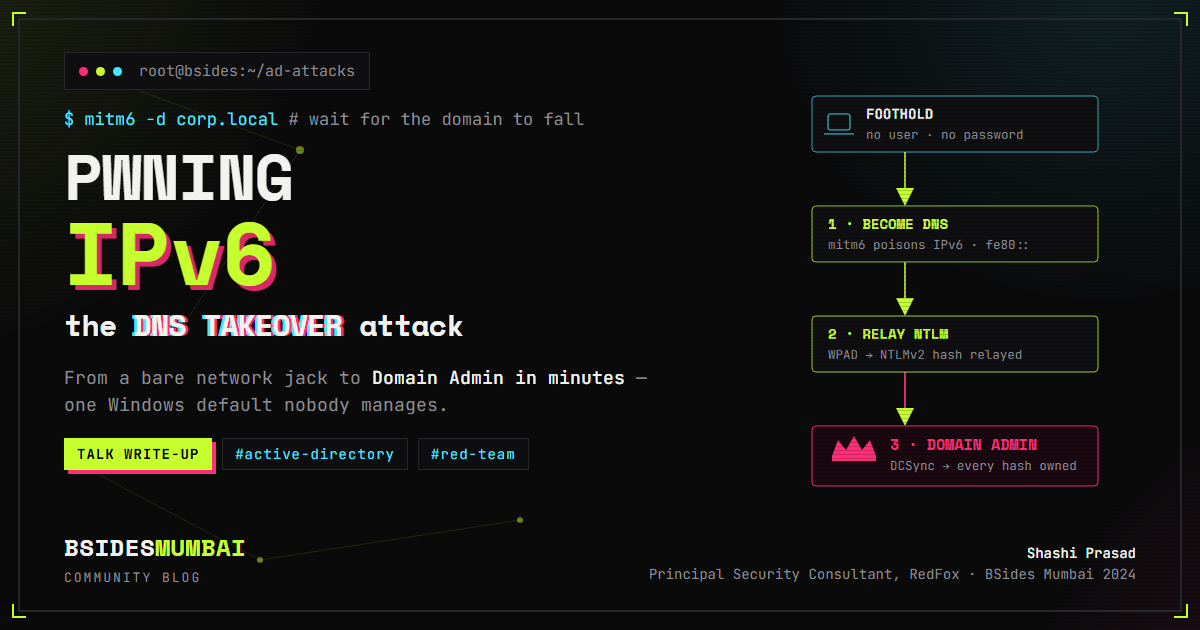
When a Windows system boots, it does not know its IPv6 settings, so it broadcasts a request asking for them. Because the attacker is already on the network, they can hear that broadcast and answer first with a poisoned reply. Using a well-known tool called mitm6, they hand the machine a fake configuration that names the attacker as its DNS server. From that moment, the victim sends all of its name lookups to the attacker, trusting them completely.
Phase Two: Stealing Authentication Through WPAD
Now that the attacker answers DNS, they wait for the machine to look for its proxy through WPAD, then reply that they are that proxy. When the user's browser tries to reach a website, the attacker's setup responds with a "proxy authentication required" message. The Windows machine, trying to be helpful, sends back the user's login proof, which contains an NTLMv2 hash. This hash cannot be used to log in directly, but it can be forwarded, or "relayed," to a domain controller. Think of a thief who cannot copy your keycard but can still swipe it at every door in the building. If a domain admin logs in during this window, the attacker relays that powerful login instead.
Phase Three: From Stolen Hash to Full Domain Control
Once a high-privilege login is relayed to the domain controller, the attacker directs it. Shashi's demo showed the chain: create an account, grant it replication rights, then run a DCSync, which pulls the domain's password database. That database holds the hashes for every user, including the domain admin and the krbtgt account used to forge "golden tickets." One unmanaged setting leads to the keys to the whole kingdom.
How Fast It Really Happens
The live demo drove the point home. Even an ordinary user account can add up to ten computer accounts to a domain, so the tooling can quietly generate valid credentials on its own. Shashi also shared a detail that drew knowing laughs: in real engagements, his team often finds admin passwords sitting right in the "description" field of user accounts. It feels too easy, he said, but that is the reality of many corporate networks. Start to finish, the takeover took only minutes.
He paired that with a warning. This attack changes DNS settings for every client on the network, so if you run it carelessly, or forget it is running, you can knock the whole domain offline. His team runs it for only a few minutes each hour to keep the impact low. Even authorized testing carries real risk.
How to Defend Against the IPv6 DNS Takeover Attack
The best part of the talk is that every problem here has a fix. If your network does not use IPv6, the strongest move is to disable it, though test first, since it can cause side effects. If turning it off fully is not practical, firewall rules can block IPv6 traffic so it never reaches an attacker. If you are not using WPAD, turn it off through Group Policy so no one can answer for it.
Most importantly, protect your domain controllers against relay-based attacks by enabling LDAP signing, LDAP channel binding, and SMB signing. Signing works like a tamper-proof seal on every message: if the seal does not match, the server rejects the stolen "keycard," so a relayed login gets refused. This IPv6 trick is only one member of a larger family of relay attacks, so these defenses pay off well beyond this single technique.
Frequently Asked Questions
Is IPv6 bad for my network?
Not at all; IPv6 is the future of the internet. The danger is leaving it turned on but unmanaged while you still rely on IPv4. Ignoring IPv6 does not make you safe. Managing or disabling it does.
What is DCSync in simple terms?
DCSync is a technique where an attacker with the right privileges asks a domain controller to hand over its stored password data, as if it were another domain controller syncing information. It is a fast path to every account's credential hashes.
Why doesn't Microsoft just turn these settings off?
Microsoft leaves IPv6 and WPAD on so things "just work" for the average user, letting machines find the network and services automatically. Unfortunately, that same convenience is a gift to an attacker, which is why you have to manage these defaults yourself.
Can my antivirus stop an IPv6 takeover?
Often not, because the attacker is abusing normal Windows features rather than dropping obvious malware. Stopping it takes network and configuration changes, like blocking IPv6 traffic and enabling signing, rather than relying on antivirus alone.
Summary
The IPv6 DNS takeover attack shows how a quiet default can undo a whole network's security. By abusing unmanaged IPv6 and the WPAD proxy protocol, an attacker with nothing but a network connection can become the DNS server, capture login data, and climb to domain admin using tools like mitm6 and NTLM relaying. The lesson is not to panic, but to act: manage or disable IPv6, shut off WPAD if you do not need it, and turn on signing across your domain controllers. Make sure your back doors are as locked as your front ones, and this piece of "magic" loses all its power.
About the Speaker
Shashi Prasad is a Principal Security Consultant at RedFox Security, where he leads red team engagements and works hands-on with the kinds of Active Directory attacks covered in this talk. He shared this research at BSides Mumbai 2024. You can connect with him on LinkedIn.
Watch the Full Talk
Want the complete walkthrough, including the live demo of a full domain takeover? Watch the full BSides Mumbai 2024 session below.
// related write-ups
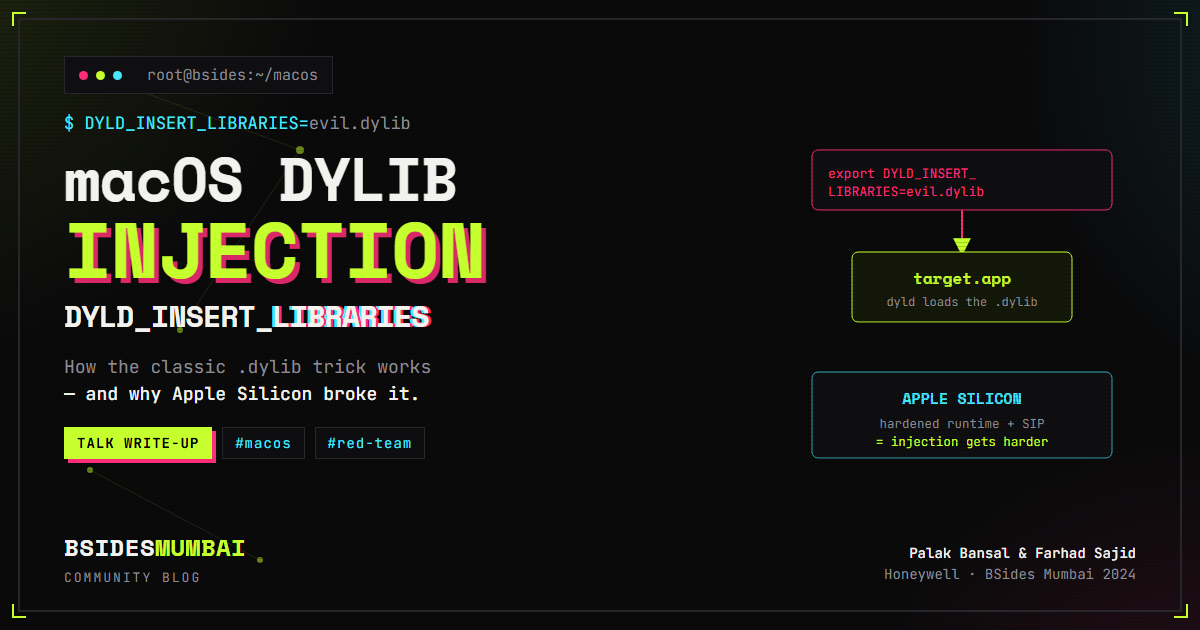
macOS Dylib Injection: How DYLD_INSERT_LIBRARIES Works (and Why Apple Silicon Broke It)
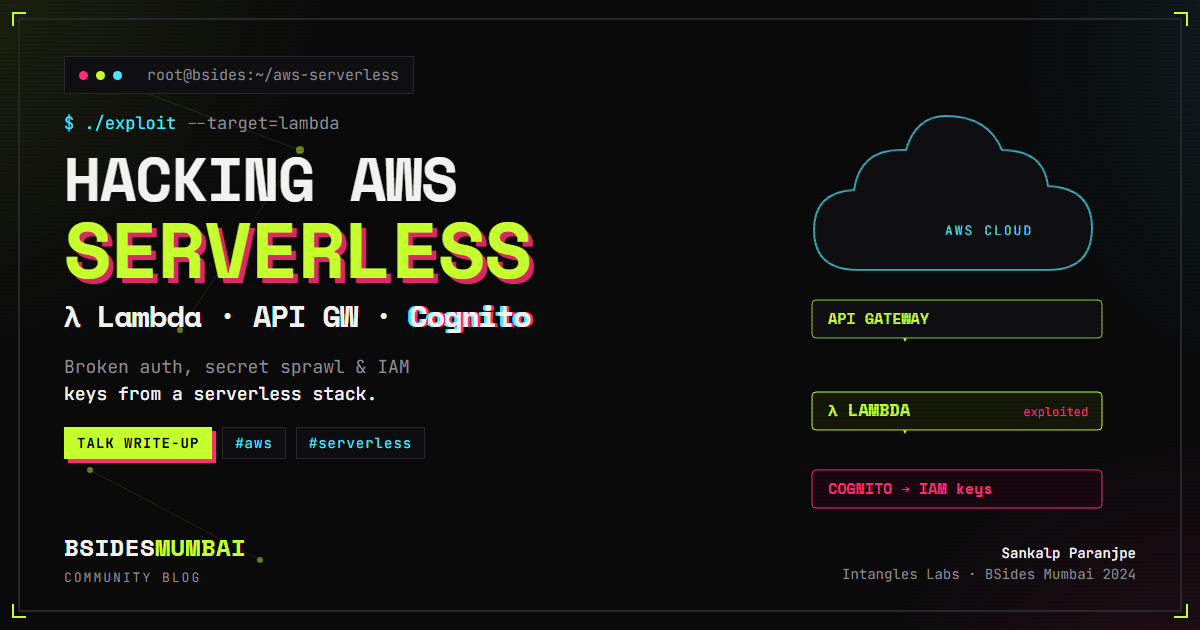
Introduction to AWS Serverless Exploitation: Attacking Lambda, API Gateway & Cognito